By Admin
Content
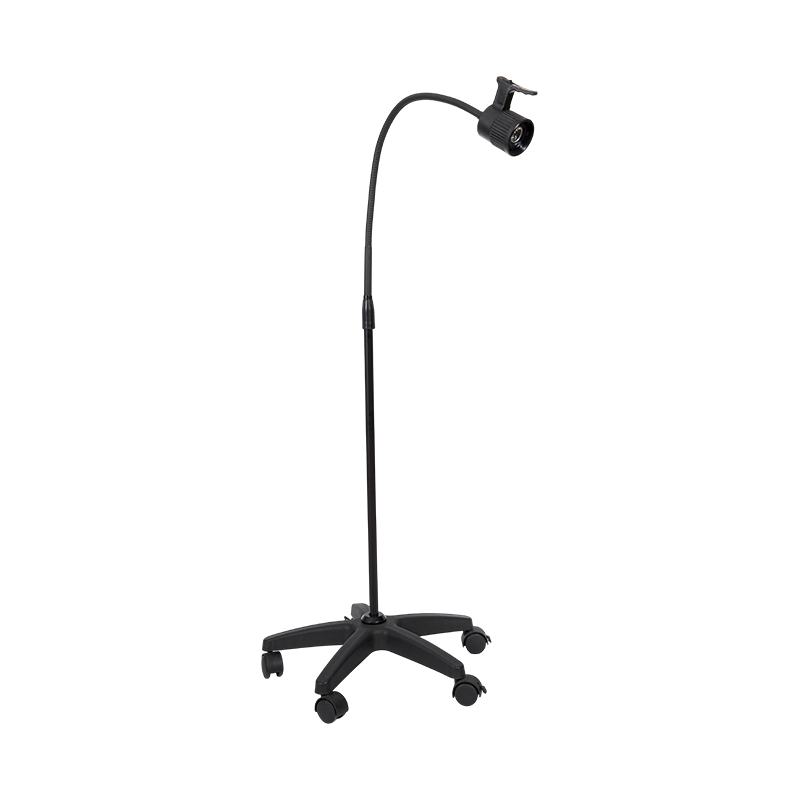
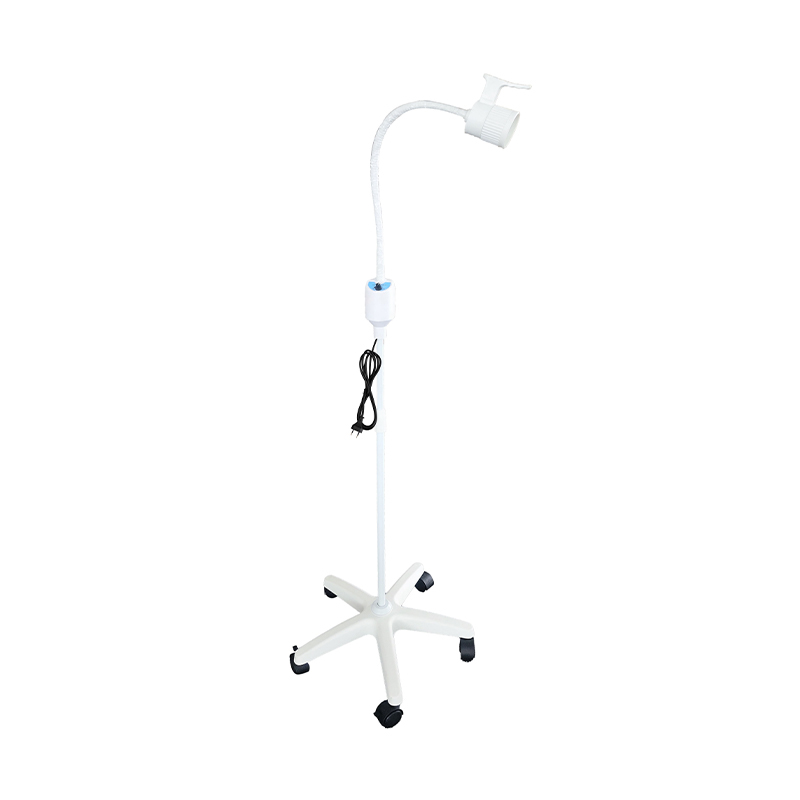
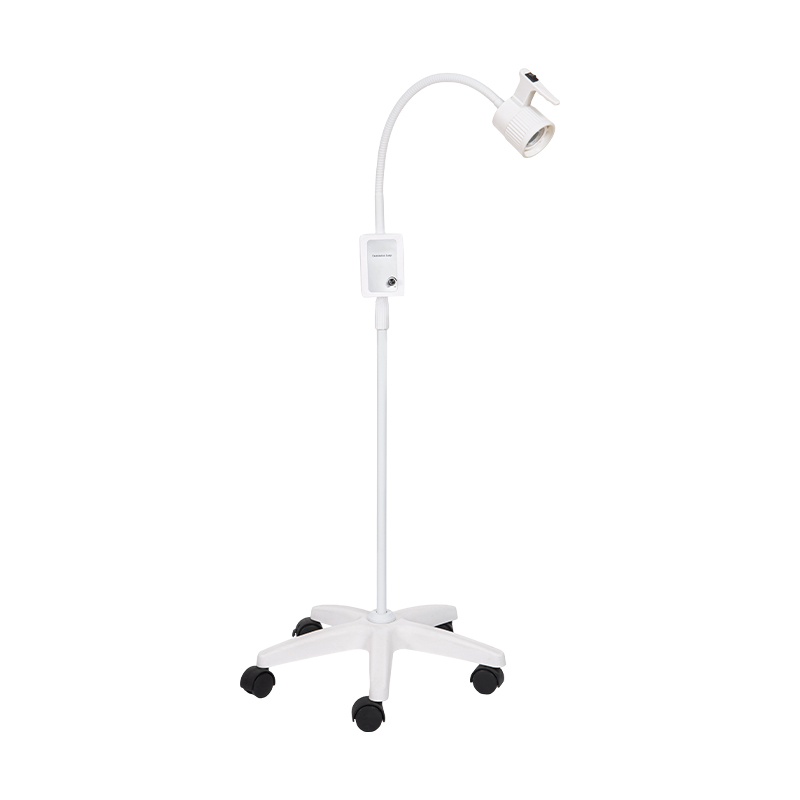
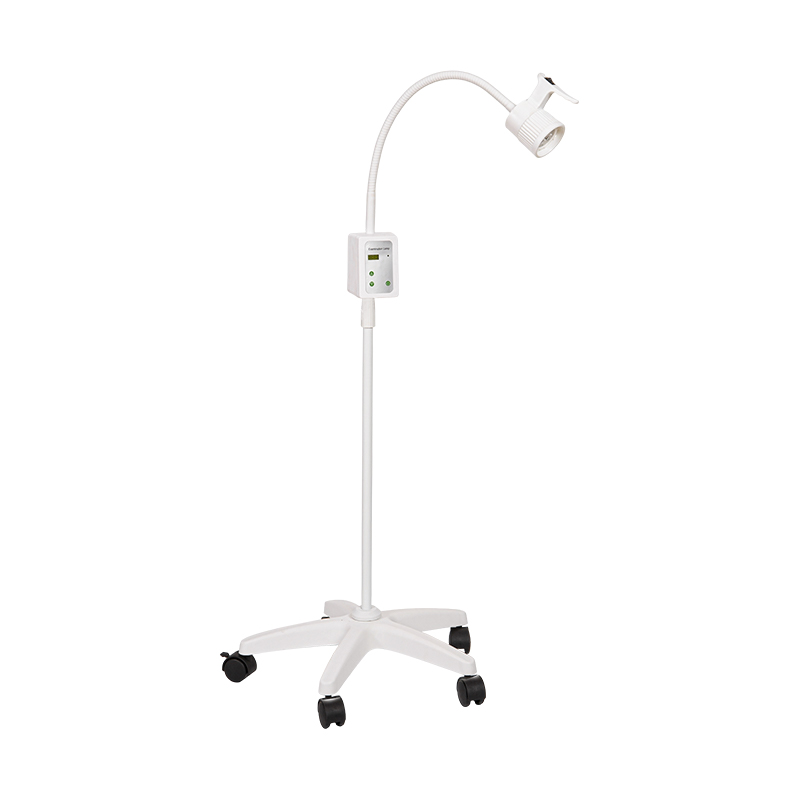
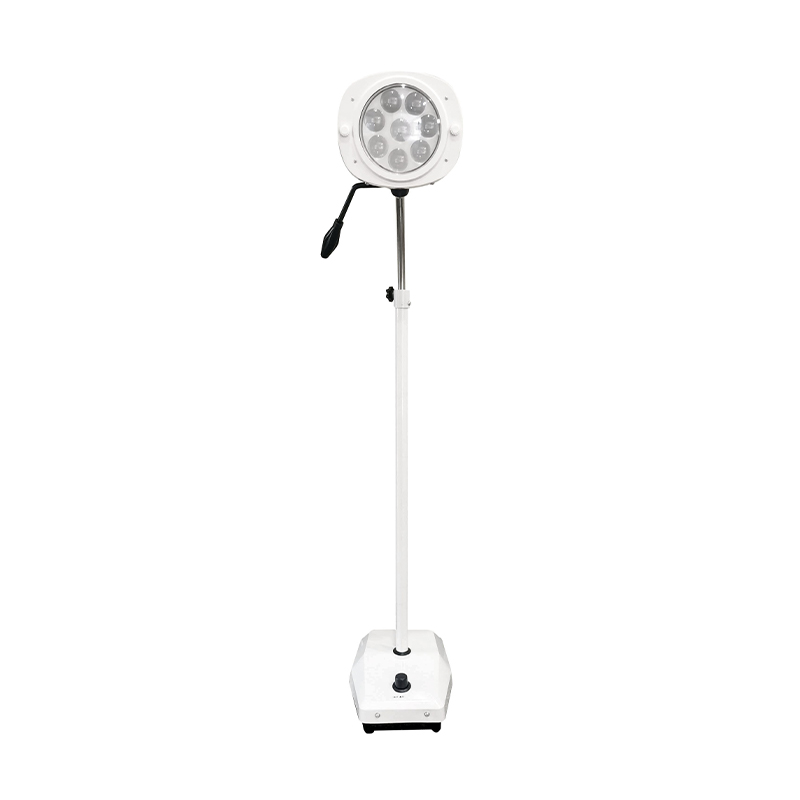
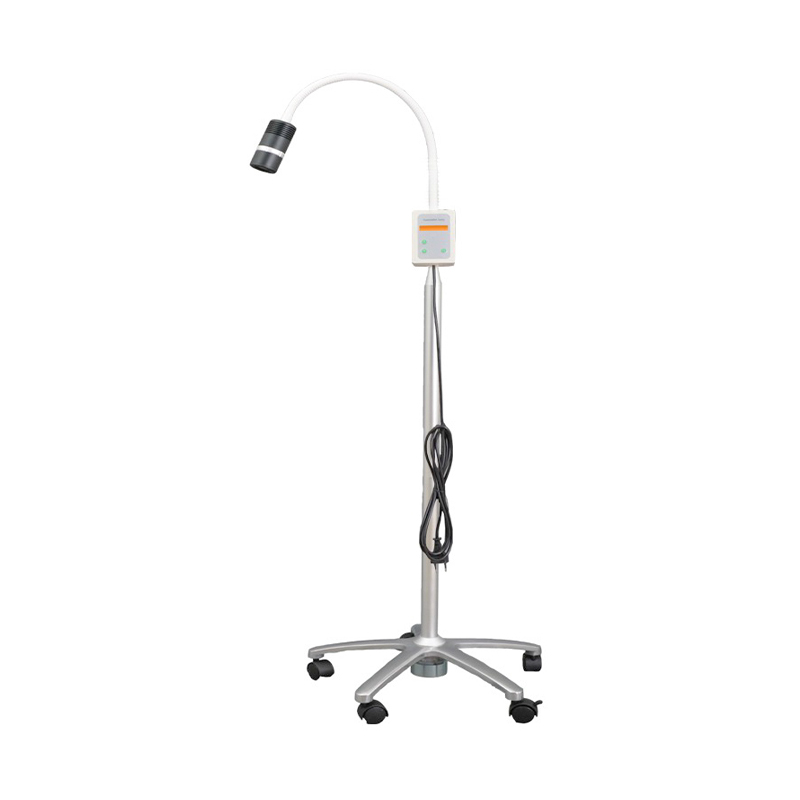
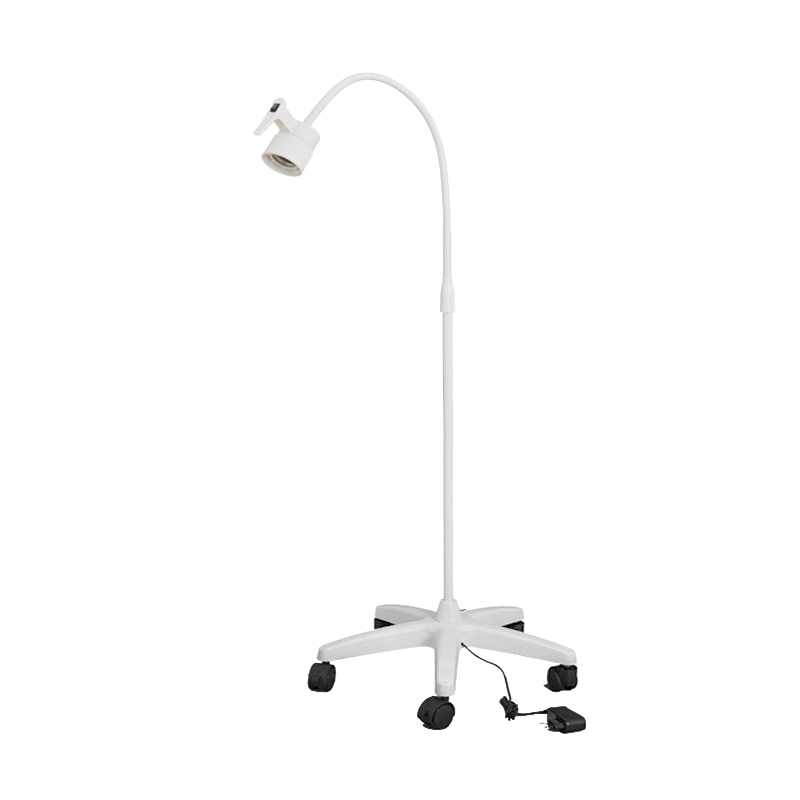
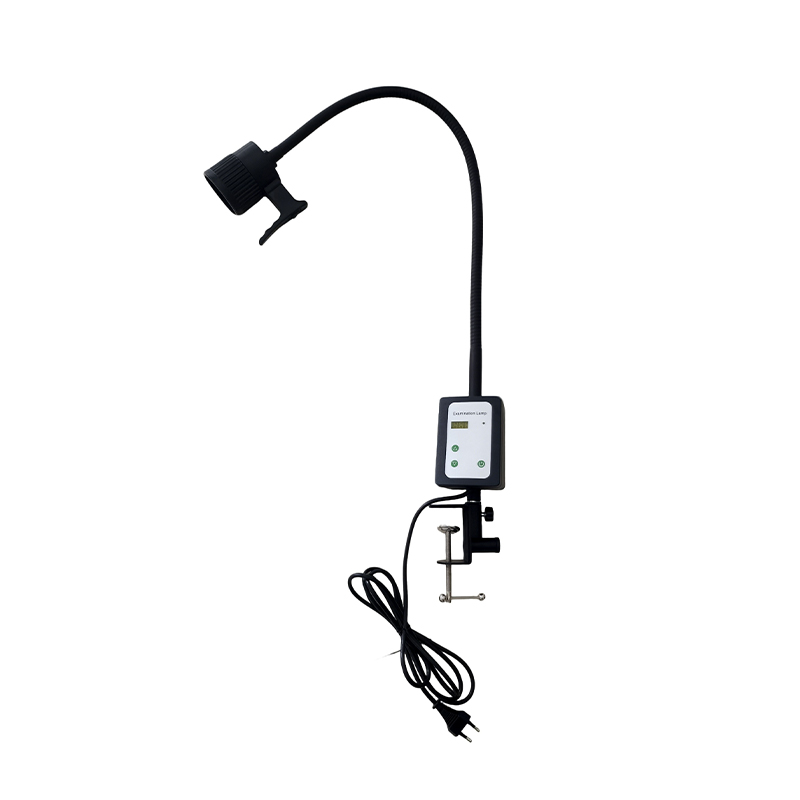
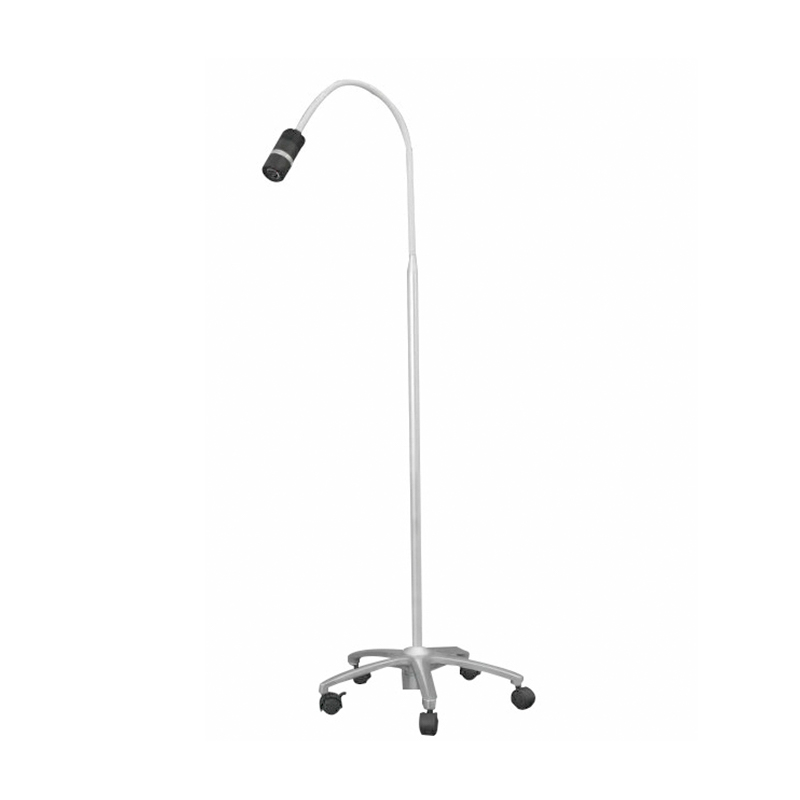
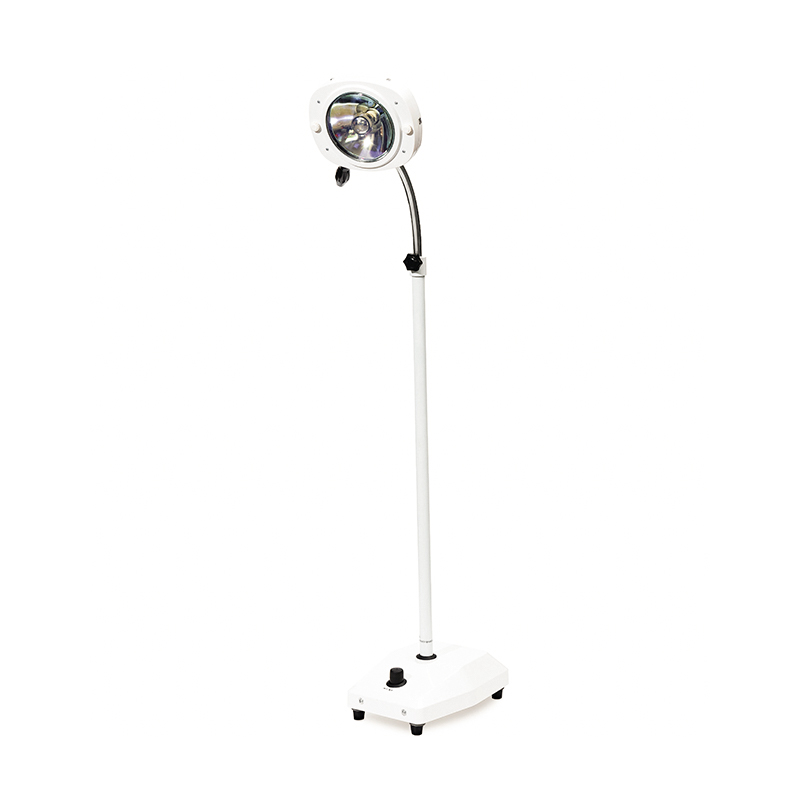
Manual Dimming: Continuously adjust the light intensity using the knob or foot switch on the side of the lamp. Suitable for immediate light intensity needs during surgery or examinations.
Preset Modes: Some models have multiple built-in preset brightness levels (e.g., low/medium/high), which can be switched with one button for quick adaptation to different examination areas.
Starting the Lamp: First, turn on the main power switch. After the bulb warms up, it will enter standby mode.
Selecting the Dimming Mode: Rotate the dimming knob or step on the dimming pedal according to actual needs, observing the light changes until satisfied.
Fine Adjustment: During critical stages of surgery, the fine adjustment function (e.g., 0.1% increments) can be used to ensure the light is neither too bright nor too dim.
Avoid Frequent Switching: Frequent dimming may shorten bulb life. It is recommended to set the appropriate brightness before surgery.
Checking Power Stability: When using the dimming function, ensure the power supply voltage is stable to prevent light intensity fluctuations from affecting the surgical field of view.
Professional Dimming Technology: The company's examination lamp is equipped with a high-precision electronic dimming chip, achieving smooth, flicker-free light intensity adjustment.
Reliable Quality Control: With modern production lines and rigorous testing equipment, we ensure that the dimming performance of each lamp meets international standards.
 We have specialised in medical devices for 32 years.
Contact Us
 No 48 Xiaokan Rd, Shizhuang town, Jiangyin, Jiangsu, China
 sara@jsf-qx.com
 +86-18915253915
 +86-18861287595
+86-18915253915
+86-18861287595
+86-18915253915
Copyright @ Jiangyin Jianshifu Equipment Co.,Ltd.
 Custom Disinfection Equipment Manufacturers
China Disinfection Equipment Factory
Custom Disinfection Equipment Manufacturers
China Disinfection Equipment Factory
The information provided on this website is intended for use only in countries and jurisdictions outside of the People's Republic of China.


 English
  عربى
عربى